Mandatory instruction signs
Custom text decals
Custom printed banners
Durable lettering stickers
Flexible magnetic advertising
Indoor/outdoor stand signs
Custom van graphics
Durable workwear clothing
Quality personalised items
Categories
Aluminium-Faced Signs
PVC Signs
Fluted Plastic Signs
Circular Signs
Twin Shape Signs
Signs for Poles
Hanging Signs
Projecting Sgns
Double Sided Signs
Chalkboard Signs
Bollard Signs
Van Lettering
Car Lettering
Wall Lettering
Wall Decals & Lettering
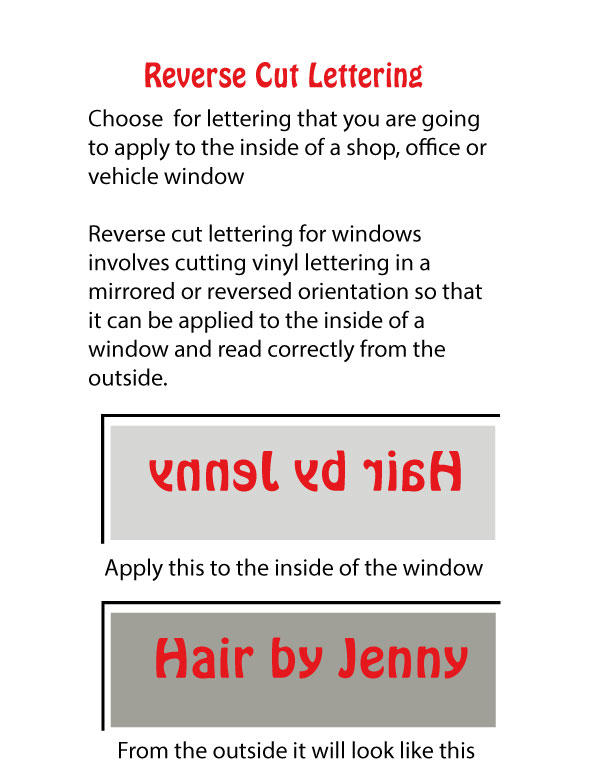
Window Lettering
Window Decals & Lettering
Caravan and Campervan Lettering
Boat Lettering
Trailer, Plant & Equipment Lettering
Custom Lettering
Custom Decals & Lettering
Ripstop Banners
Scaffold Banners
Mesh Banners
Double-Sided Banners
Hanging Banners
Roller Banners
Projecting Banners
Mobile Banners
Banner Fitting Aids
Vinyl Stickers - Circular
Custom Stickers
Van Stickers
Car Stickers
Wall Stickers
Window Stickers
Window Cling
Truck, Tanker & Bus Stickers
Trailer, Plant & Equipment Stickers
Reflective Stickers
Mini-Sticker Packs
Magnetics -all
StepFrame Signs
Stanchion Signs
Pavement Stand Accessories
Pavement Signs
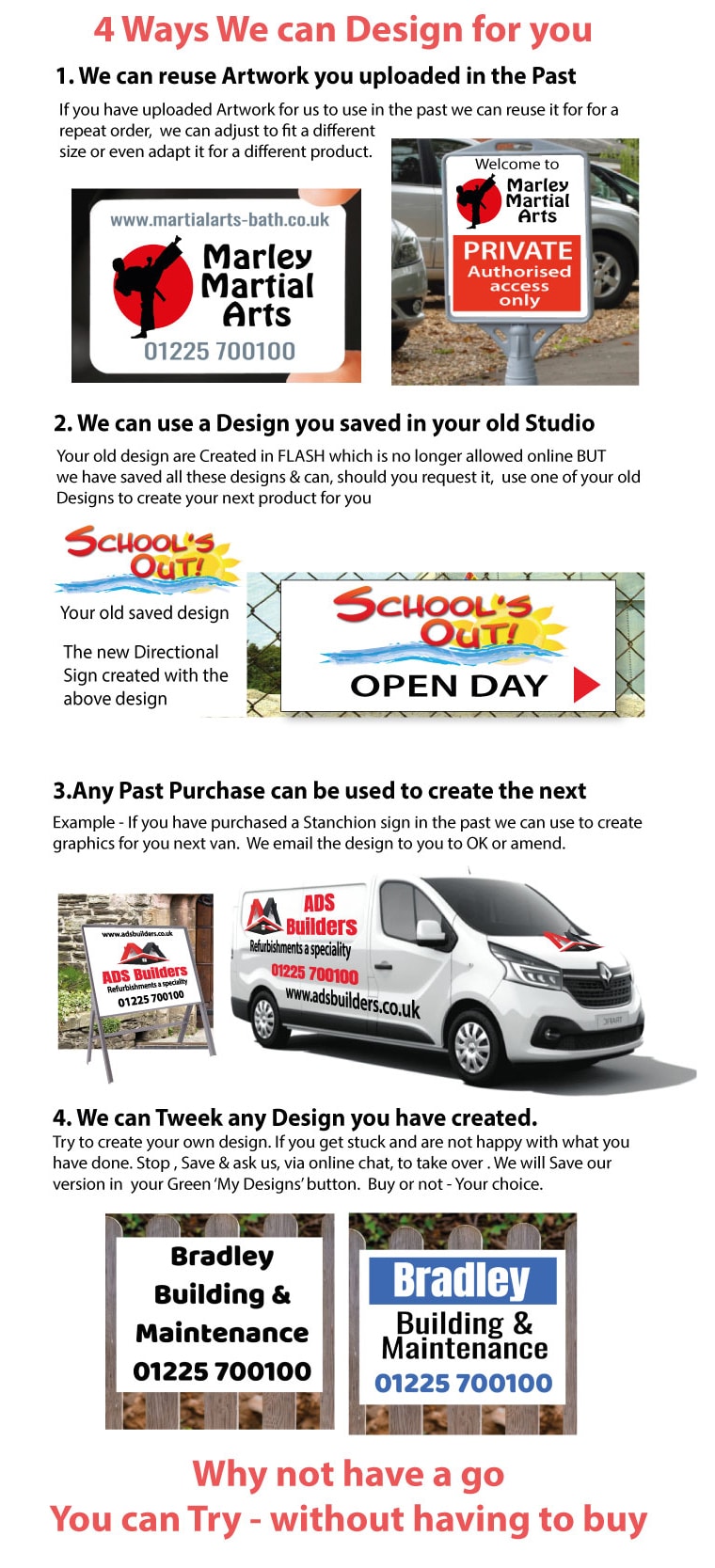
We Design For You
Van Graphics - Design on a Template of your Van
Car Graphics - Design on a template of your Car
Vehicle Stickers
Boat & Barge Signage
Truck, Tanker & Bus Signage
Plant & Equipment Signage
Vehicle Graphics with Circle Decals
Vehicle graphics - Design each panel
Vinyl Fitting Aids
T-Shirts
Headwear
Hoodies & Sweatshirts
Polo Shirts
Bodywarmers & Vests
Workwear Bundle Deals
High-Visibility Clothing
Popular Products
New Arrivals
Bulk Printed Polyester T-Shirts – Front Left Chest & Back Print
Bulk Printed T-Shirts – Custom Front Left Chest & Back Print
Bulk Printed Gildan T-Shirts – Front Left Chest & Back – 10, 20, 50 or 100
We have created a range of short videos that, we hope, will answer all your queries
Click the Red “Click” button to open each video (Black Clicks are Videos comming shortly)
Add a new line of text – Click
Choosing a different font style – Click
Changing colour of your lettering – Click
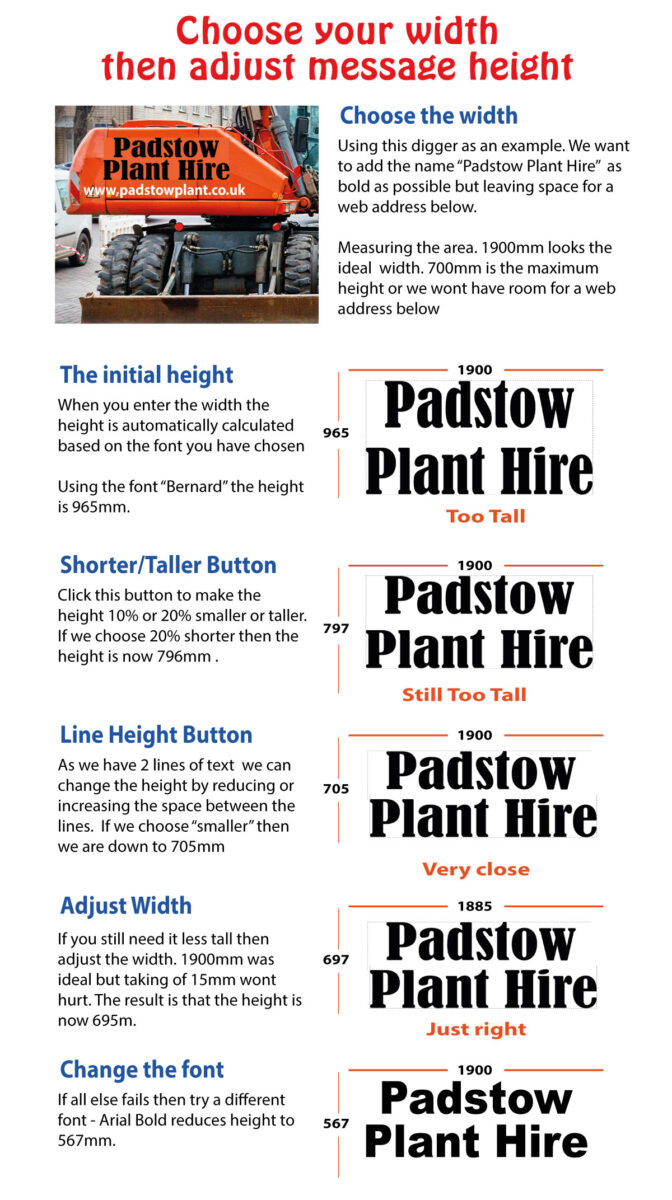
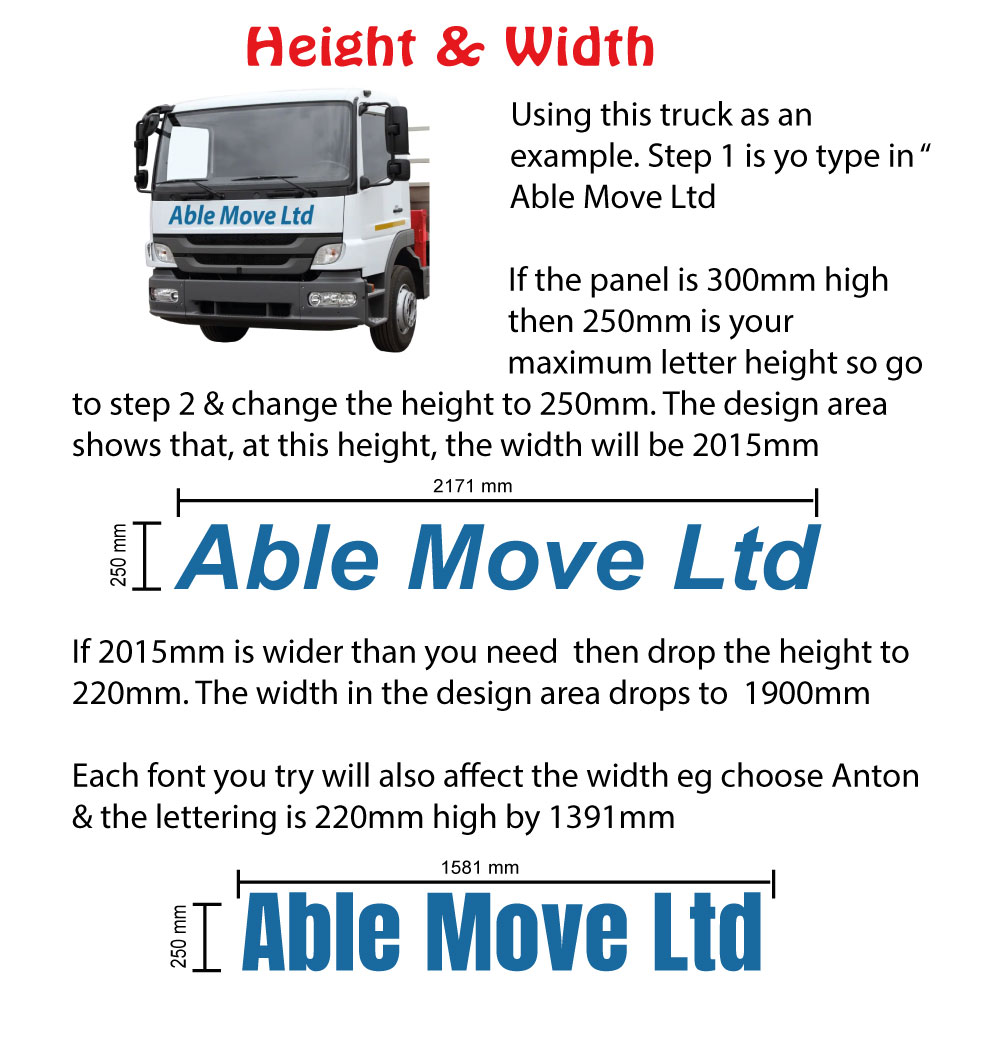
Adjusting Lettering width & Height – Click
Multi-line text tips. Click
Tips for Mult-colour text- Click
Making text Bolder Tips Click
How to underline or italicise your text Click
Use the same text on all signage Click
Change to your message – Click
Changing the font style – Click
Changing to your Colours – Click
Customise Multi-line Text- Click
Change spacing between lines – Click
How to save your design – Click
Try another design – Choose the best – Click
How to upload your Graphics – Click
Add your Graphics to Design Area – Click
Saving your Graphics to use again – Click
Adding Saved Graphics to a design – Click
Save all versions of your artwork – Click
Using Saved artwork on future projects- Click
Start Fast using a template – Click
How to choose your van colour – Click
Changing the template to your info – Click
How to design on all sides of your van – Click
How to move design from Side to back – Click
Adding your logo to the design & Resizing – Click
Adding a Free Logo from our Clipart – Click
Saving design variations & choose the best – Click
The importance of a grease-free surface Click
How a second pair of hands can help – Click
Mark position prior to applying graphics Click
Apply, lift & apply to avoid creases Click
How to remove masking tape & letter check – Click
Stand back, Admire, Be proud -You did that – Click