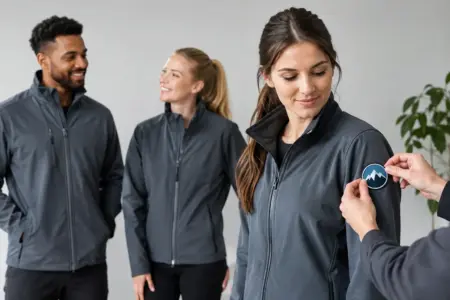
A work jacket is often the first thing a customer sees when your team arrives on site, opens the shop or sets up an event. Knowing how to personalise work jackets properly helps your staff look consistent, makes your business easier to recognise and gives practical outerwear a clear purpose beyond keeping warm.
The best result is not simply a large logo placed anywhere it will fit. It is a jacket, print method and layout chosen for the conditions your team works in, how far away people need to read the branding and how often the garment will be worn and washed.
Start with the job the jacket needs to do
Before choosing colours, logos or names, consider where and when the jackets will be used. A lightweight softshell for sales staff and delivery drivers has different requirements from a padded jacket for tradespeople working outdoors through winter. The garment needs to be comfortable enough to wear, practical enough for the role and suitable for the weather.
Think about movement too. Staff who regularly bend, lift or drive may prefer a less bulky jacket. Teams working near roads, loading areas or machinery may need high-visibility garments. In those cases, keep printed areas clear of reflective strips and check that the chosen personalisation does not affect the garment’s specified safety performance.
Colour is also a working decision, not just a branding choice. Black, navy and charcoal can hide everyday marks well, while brighter colours improve recognition at events or customer-facing premises. If your logo is dark, it may need a light background area or a contrasting print colour to remain visible.
How to personalise work jackets with a clear layout
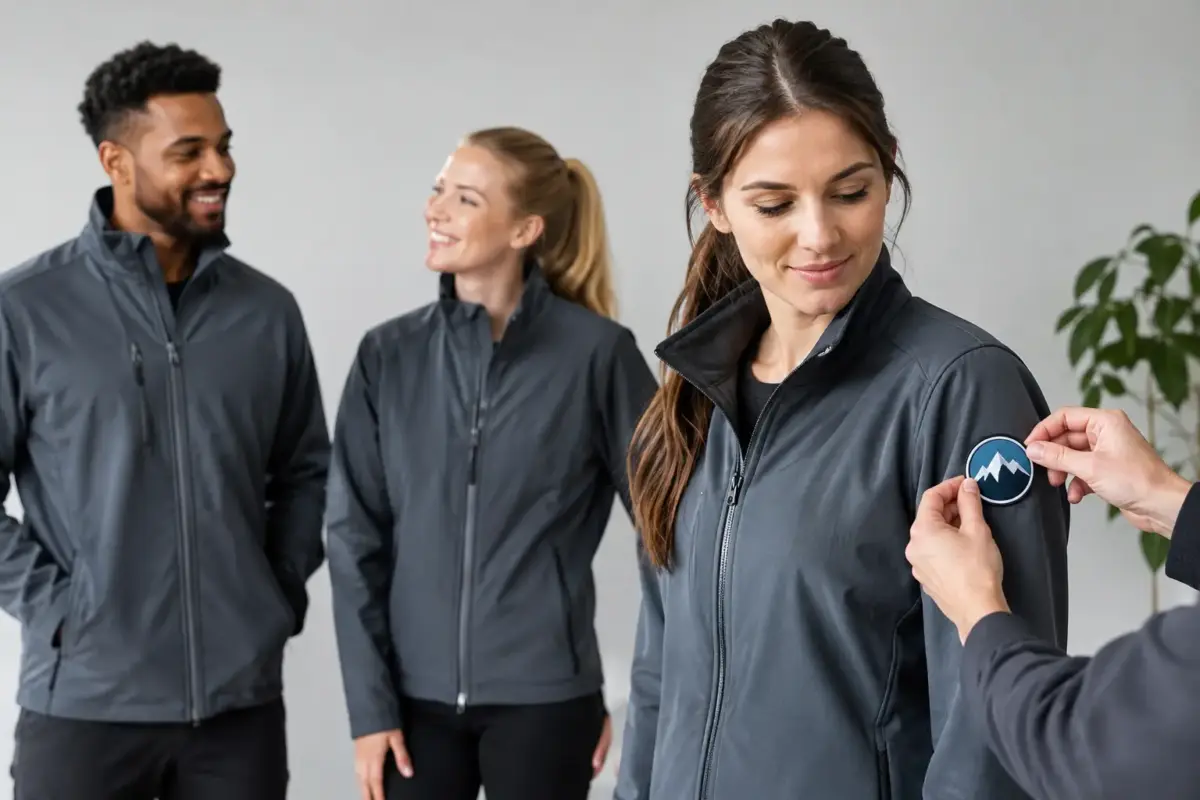
Most businesses get the strongest result from using a simple hierarchy. Your company logo usually sits on the left chest, where it is easy to see during conversations. A larger version can go on the back for visibility at a distance. This is especially useful for site teams, installers, delivery staff and event crews.
The right chest is useful for a staff name, job title or department, provided the wording remains short. A name can make customer-facing roles more approachable, while a role such as “Site Supervisor”, “Kitchen Team” or “Delivery Driver” helps people identify the right person quickly.
Sleeves can carry a short website address, service name or secondary brand detail, but they are not always the first place customers look. Use them when the additional information genuinely adds value, rather than trying to fill every available space. Too much print can make a jacket look cluttered and reduce the impact of the main logo.
Choose the right print size
A chest logo should be readable at normal conversation distance without taking over the whole front of the jacket. Back prints can be larger, but still need clear margins from seams, hoods and reflective details. A design that looks good on a computer screen can become hard to read when squeezed into a small printable area.
Fine lines, tiny text and complex photographic details can lose definition on textured or padded fabrics. Simplifying the artwork often produces a sharper, more professional finish. If you need a phone number or web address, make it large enough to be useful from a few metres away.
Keep branding consistent across the team
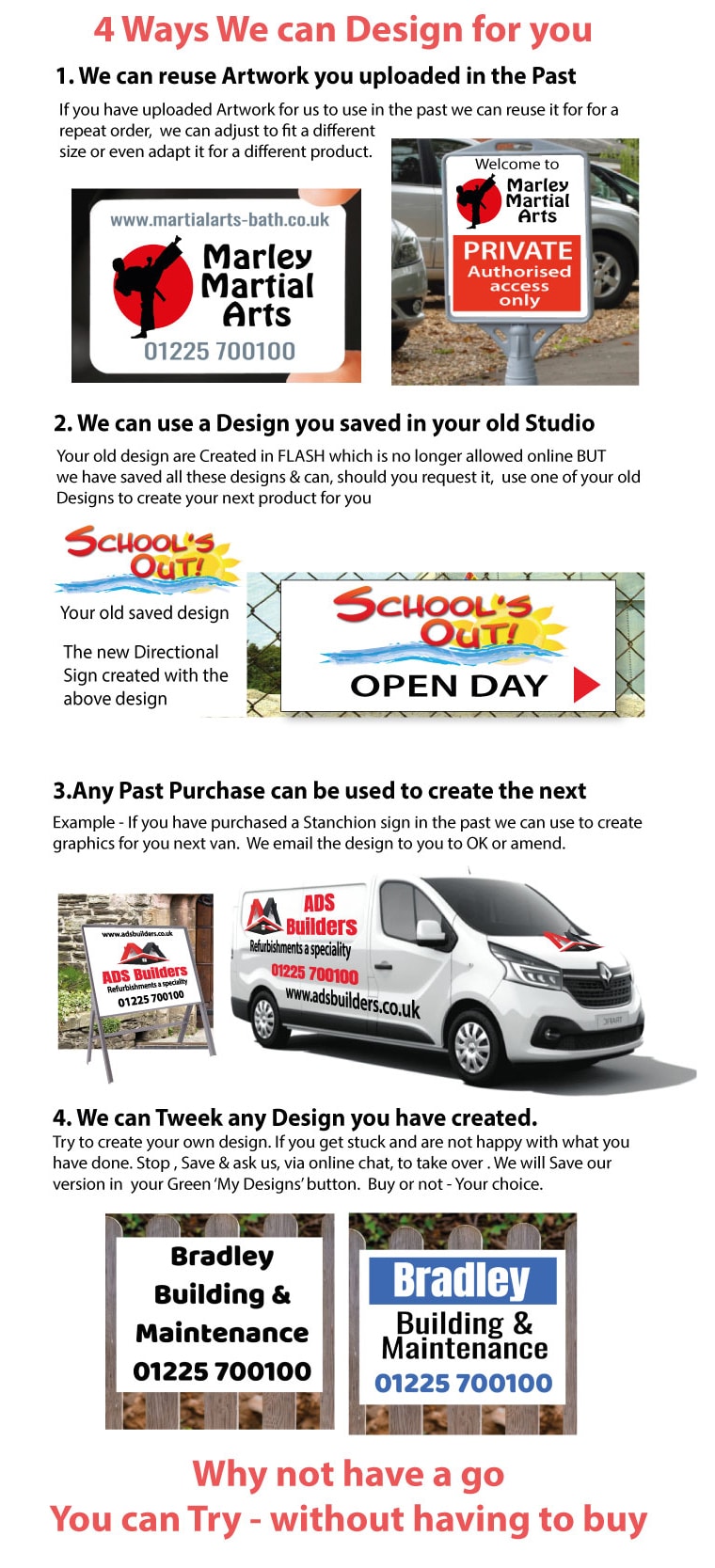
Use the same logo version, colours and placement across all jackets where possible. Consistency matters when staff work in different locations or when jackets are ordered in batches over time. It also helps if your vehicles, signs, banners and workwear use the same core identity.
That does not mean every garment has to be identical. Managers may need a different title, or separate teams may need different colour jackets. Keep the central logo and main placement consistent, then use names or role text to distinguish individuals.
Choose a print option that suits the garment
The fabric and finish of the jacket affect the best way to apply your design. Smooth softshells, fleece layers, waterproof outer jackets and padded coats can all behave differently during production and in regular use. Tell your supplier exactly which garment you want personalised, particularly if you are supplying your own jackets.
For logos with solid colours and clean shapes, a printed transfer can provide crisp detail and reliable colour matching. This is often a practical choice for company branding, names and smaller runs. Larger, simpler designs may suit other garment printing processes, depending on the fabric, quantity and intended use.
Durability is not only about the application itself. It depends on the jacket being suitable for printing, the artwork being prepared correctly and the wearer following the care instructions. A jacket used every day on a building site will naturally face more abrasion, dirt and washing than one worn occasionally by a showroom team.
Ask for advice if your design includes gradients, very small lettering, metallic effects or several different colours. The most visually ambitious artwork is not always the most effective workwear artwork. Clear, high-contrast branding generally works better in real conditions.
Prepare artwork before you order
A clean logo file saves time and gives the production team the best starting point. Vector artwork is normally preferred for logos because it can be scaled without becoming blurred. Common vector formats include AI, EPS, SVG and PDF. A high-resolution PNG may also be suitable for a straightforward print design, especially if it has a transparent background.
Avoid screenshots, photographs of existing garments and logos copied from a social media profile. These files are often too small, compressed or unclear for accurate printing. If the logo has been altered over the years, confirm that everyone is using the correct version before placing a larger order.
Check the spelling of names, job titles, phone numbers and web addresses carefully. Personalised garments are produced to the supplied details, so a small error can create unnecessary delay and cost. For a larger team order, put names and roles into a clear list and have one person approve it before production begins.
If your artwork is not ready, start with what you have. A supplier can assess whether it is suitable, advise on print size and help prepare a more usable layout. This is particularly useful for new businesses that have a logo but no existing workwear design.
Plan for wear, washing and repeat orders
Work jackets are practical equipment, so choose a design that remains useful after months of use. Position prints away from areas likely to receive constant friction from tool belts, shoulder straps or regular contact with equipment. A back print should also avoid sitting too close to a hood or across a seam where the surface is uneven.
Provide staff with clear care guidance. Following the garment label helps preserve both the jacket and its printed design. Avoid excessively high wash temperatures, strong bleaching products and unnecessary tumble drying where the care label advises against them. Turning the jacket inside out before washing can also reduce surface abrasion.
For repeat orders, keep a record of the jacket model, colour, logo placement, print dimensions and approved artwork. This avoids variations when new starters join or worn garments need replacing. Ordering a small number of spare jackets can be sensible for teams with regular staff changes or demanding outdoor work.
Order with the right level of support
If you already have print-ready artwork and know your garment sizes, an online design or upload route can be the quickest way to place an order. For more complex requirements, such as several jacket styles, individual names, high-visibility garments or mixed team sizes, a quote request gives you more room to set out the details.
The SignBuilder can help businesses bring work jackets into line with their wider signage, vehicle graphics and printed garment requirements. Whether you are ordering for two engineers or a full site team, provide clear artwork, quantities, sizes and placement notes from the outset.
A well-personalised work jacket does more than carry a logo. It helps customers recognise your people, gives staff a shared professional identity and makes every job, delivery and event a little easier to manage.