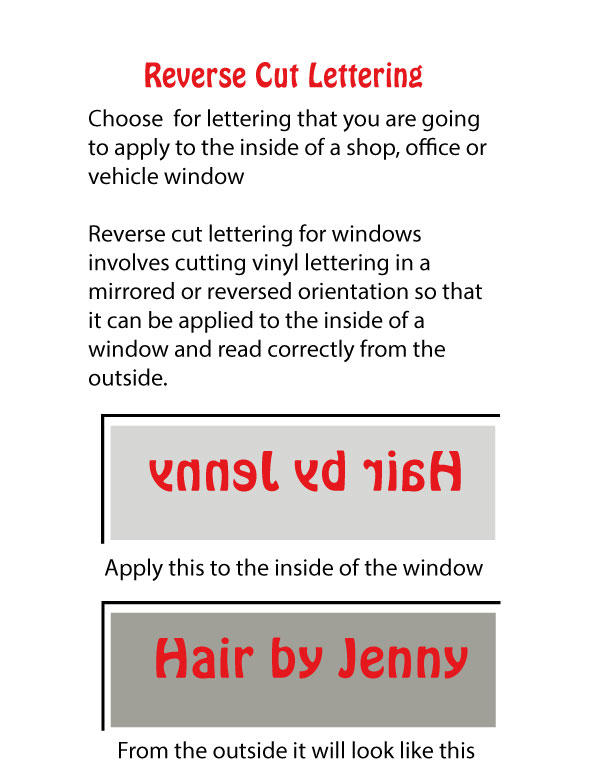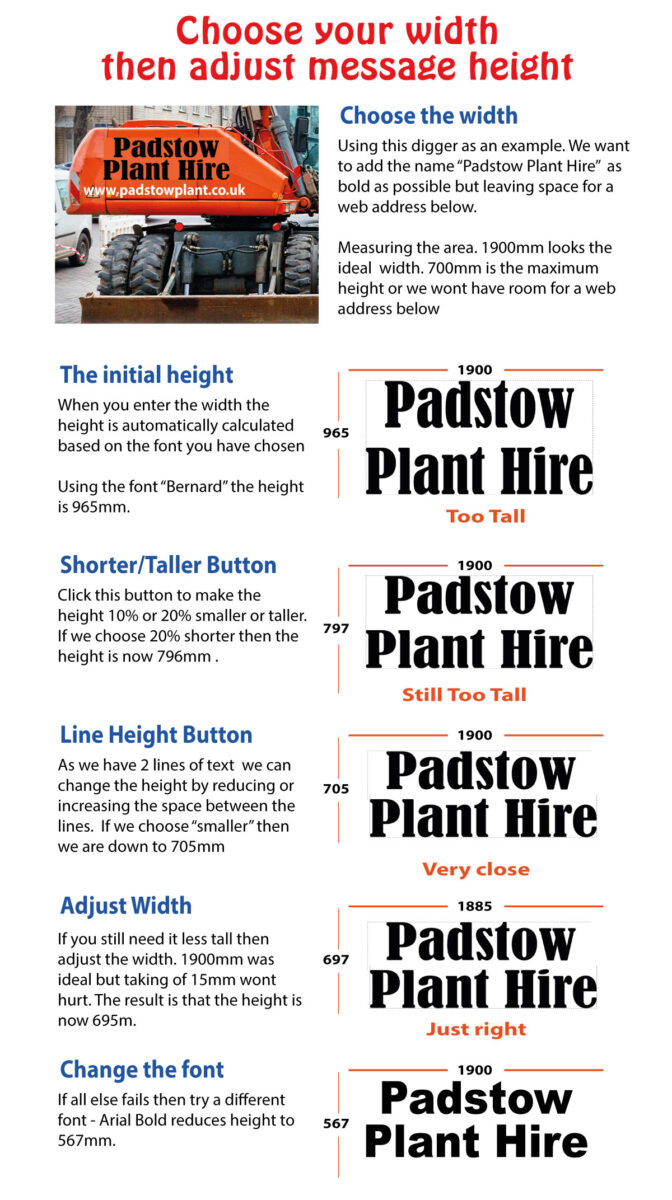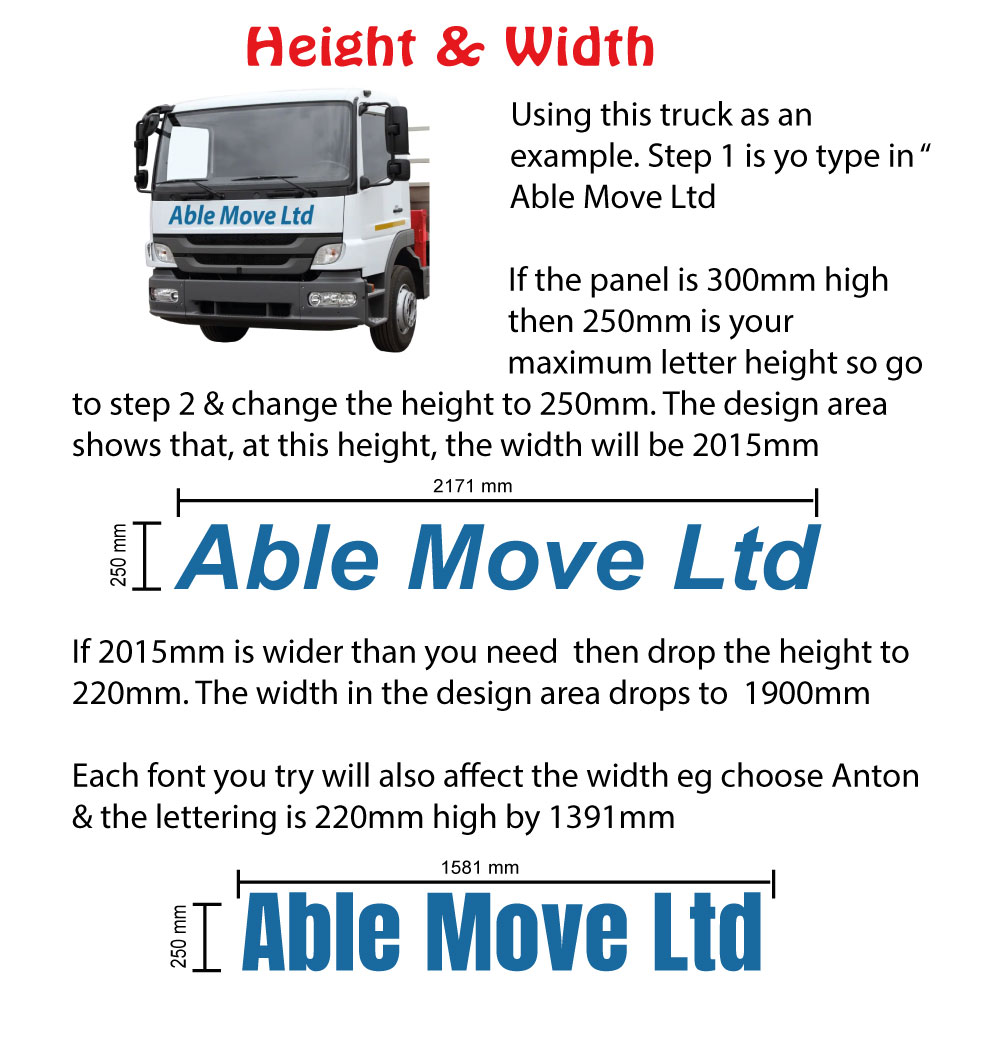










Clicking Chat is a fast way to get help on any aspect of design. Our chat button is answered by a person not an AI robot. Questions like "Can't work out how to change colour", and "How do I upload my Logo" can be answered easily & quickly.
Questions like "I am not happy with my design. Any suggestions on how to improve it" need more in-depth action by us (see below) but the Chat button is a quick way to get more in-depth action organised
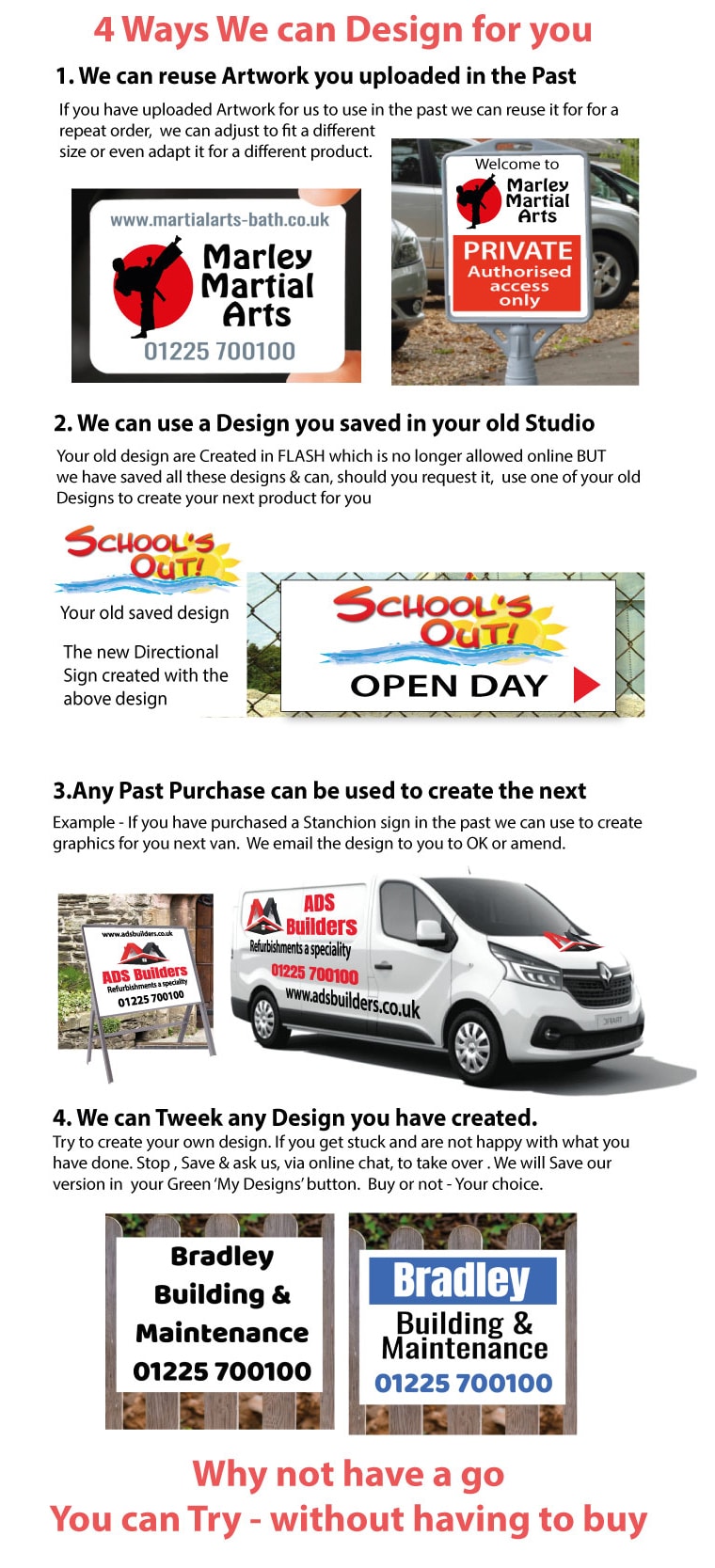
In the design area, we have a RED "Save" button. At any stage, you can save your design. The Design is saved in the GREEN "My Designs" area. Click the GREEN "My Designs" button to view all your saved designs & to ask us to tweak one of your designs. Our tweaked design is saved in the GREEN box for you to view.
When you are in our design area there is a hidden button that you can press this allows us to see our our design area on your computer. Unlike screen-sharing, we can only see our website. We can guide you step by step through any part of the process of creating a sign including how to use saved designs on your next project. Use the chat button to book a one-to-one training session.
We are pleased to offer this service but we would rather help you design yourself because we know what pleasure you will get when you see you own signage on display. We will enjoy designing your signs for you but we would rather support you in any way you need to enjoy designing then seeing your own signs in action.
A good source for inspiration is our Customers Photo Review section. Here you will see what other customers have done. Take advantage of their tips & tricks. Note also that these signs each say what the customer wanted saying not what someone else said was a good idea. We hope, in the near future, it is your photos we are looking at with your tips & tricks helping another new customer have the confidence to give it a go
We have a "How to" video section that will answer most queries (Click here to View). You can also click the chat button - we are pleased to help.