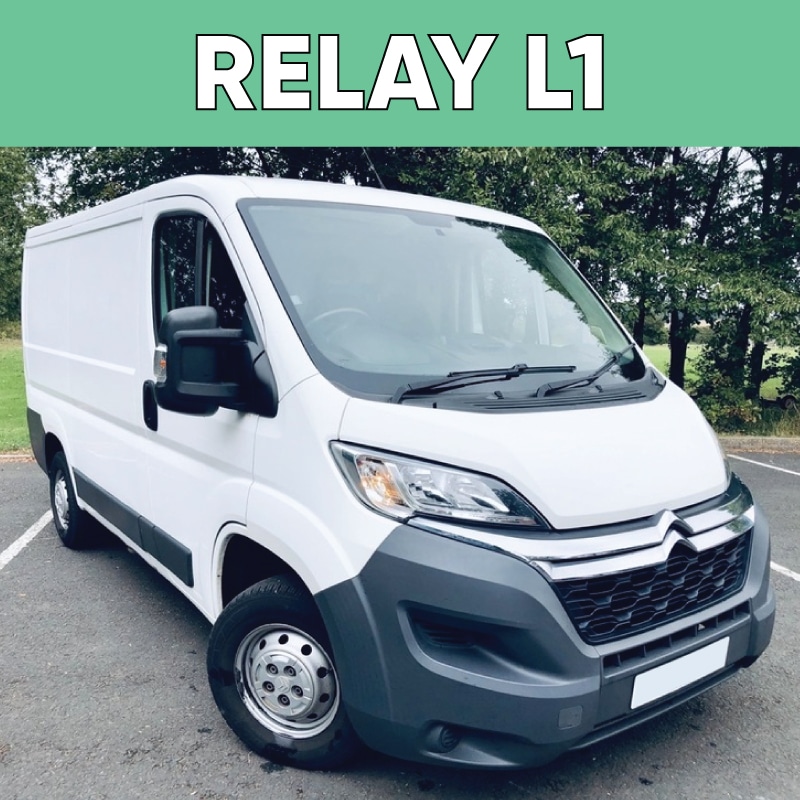
Citroën Relay L1 Van Signage & Graphics

EASY TO FIT VAN GRAPHICS FROM
£187.20 +VAT

Choose your product options

Quantity
Total Price

Awaiting Selection

per unit

Awaiting Selection

  • Max file size: 25 MBPermitted file types: jpg jpeg jpe gif png pdf

  • Max file size: 25 MBPermitted file types: jpg jpeg jpe gif png pdf

Start designing

Citroën Relay L1 Custom Van Graphics & Signage — Professional Vinyl Signwriting

Upgrade your Citroën Relay L1 with bespoke vehicle graphics that deliver a stand-out professional look on the road. Our custom signage is ideal for tradespeople, small businesses, and fleet branding — turning your van into a mobile billboard that attracts attention wherever you go.

Premium Material — Air-Escape Vinyl for Flawless Results

We use high-quality air-escape adhesive vinyl, engineered with microscopic air channels to make installation easy and bubble-free — even for beginners. This material quality offers:

  • Smooth, even application with reduced air pockets during fitting.

  • Excellent repositioning ability — easier to align your design perfectly.

  • Long-lasting durability — built to look great for up to 7 years outdoors.

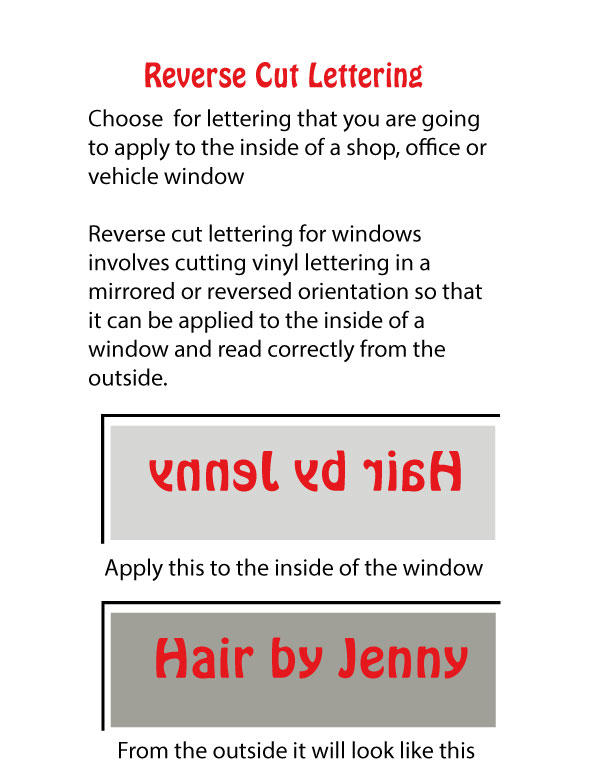
Whether you’re installing on doors only, both sides, front & rear, or across the entire vehicle, our vinyl conforms precisely to your selected vehicle template.


🎨 Design Smarter — Online Tool & Templates

We provide an intuitive online design area where you can:

  • Design on a real-scaled template of the Citroën Relay L1 — visualise your graphics before you buy.

  • Adjust colours, fonts, and logos easily — perfect for branding consistency.

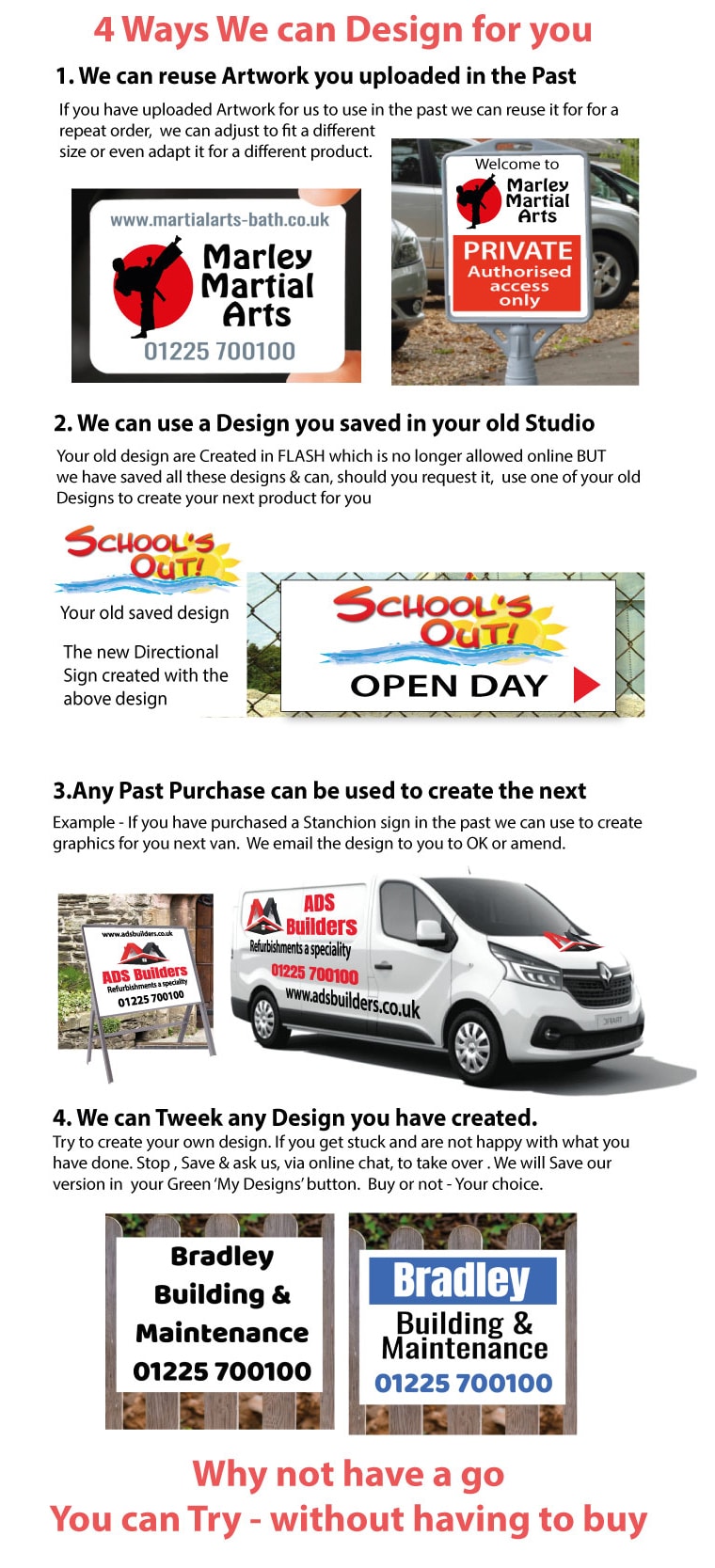
  • Save your design at any stage and reuse it across other products or future vehicles.

If you’d rather let the experts handle it, choose our “Let Us Design For You” option — just upload your brand assets and brief, and we’ll deliver a professional proof for your approval before printing.


📁 Artwork Guidelines — Canva & Supply Options

We accept artwork in a range of formats — and for maximum flexibility:

🖌️ Work in Canva?

You can create your design in Canva and supply it either by:

Sharing the design directly from your Canva account — ideal if you’re collaborating or editing live.
OR
Downloading and sending your artwork in the most print-ready formats:

  • PDF PRINT (Best for printing)

    • Ensure flattened PDF is NOT selected — this preserves vector text and crisp edges for vinyl cutting and colour accuracy.

📤 How to Submit Your Artwork

  • Attach your files directly in the Upload Your Artwork section at checkout.

  • If files are too large, use file sharing services like WeTransfer or similar and email to:
    📧 help@thesignbuilder.co.uk

Accepted formats include: PDF, PNG, JPEG, SVG, and others — just get in touch if you have a query!


📈 Why Vehicle Graphics Matter

Custom van signage not only protects your paintwork and gives a professional edge — it also:

  • Boosts brand visibility on the road

  • Transforms your vehicle into effective mobile advertising

  • Increases customer recognition and trust

Whether you’re on site or driving between jobs, your branded Citroën Relay L1 becomes an asset that works for your business every mile of the way.


🚚 Need Help With Installation?

If you prefer a factory fit option, we can arrange professional installation at our workshop. Or, view our step-by-step fitting guidance and videos to install yourself — tailored to both DIY beginners and experienced applicators.


Pros

• Premium quality, long-lasting graphics – Made from high-quality air-escape adhesive vinyl designed for professional vehicle signwriting, helping the graphics look great for up to 7 years outdoors with proper care.
• Easy, smooth installation – Air-escape vinyl reduces bubbles and helps make application easier for beginners and professionals alike.
• Customised for your van model – Graphics are scaled to fit Citroën Nemo body panels precisely, so you get a perfect fit.
• Flexible design options – Use the online design tool with a scaled template to preview and tweak your branding before purchase.
• Optional professional design service – If you prefer not to design yourself, the team will create a professional proof for approval.
• Mobile advertising boost – Turn your van into a moving billboard that increases brand visibility and professionalism.
• DIY or workshop fitting – Either fit it yourself with guidance or choose professional installation at the workshop.


⚠️ Cons

Outdoor lifespan varies – Up to 7 years is possible, but exposure to heavy weather, UV, or harsh environments may reduce longevity.
• Removal needs care – Graphics can be removed, but doing so safely without damaging paintwork needs correct technique and potential heat-assisted tools.
• Not a full vehicle wrap – This product offers bespoke graphics but not a full vehicle wrap, which some users might prefer for complete coverage.
(Typical distinction in vehicle graphics services)


/ /

Frequently Asked Questions – Van Graphics

What vehicle does this signage fit?

This product is designed specifically for the selected van graphics. All graphics are scaled to fit the correct body shape, panels, and door layouts of this model.


What material are the graphics made from?

Our van graphics are produced using premium air-escape adhesive vinyl, designed for professional vehicle signwriting. The material allows air to escape during application, reducing bubbles and ensuring a smooth finish.


How long will the vinyl graphics last?

When applied correctly and maintained properly, our vinyl graphics have an outdoor lifespan of up to 7 years, depending on exposure, usage, and care.


Are the graphics suitable for DIY installation?

Yes. The air-release vinyl makes installation easier for both professionals and DIY users. We also provide fitting guidance to help achieve the best results.


Can I design my own graphics online?

Yes. You can design your graphics using our online design tool, which uses a scaled template of your van. This allows you to preview your design before ordering.


Do you offer a design service?

Yes. If you prefer not to design it yourself, select the “Let Us Design For You” option. Simply upload your logo and details, and our design team will create a professional layout for approval.


Can I upload artwork created in Canva?

Yes. Canva artwork is fully accepted.

You can either:

  • Share the design directly from your Canva account, or
  • Download and supply the file as a PDF PRINT (Best for Printing)

Please ensure Flattened PDF is NOT selected when exporting from Canva.


How do I upload my artwork?

Artwork can be uploaded directly using the Upload Artwork option on the product page during checkout.

If your files are too large, you can send them via WeTransfer or similar file-sharing services to
📧 help@thesignbuilder.co.uk


What file formats do you accept?

We accept the following artwork formats:

  • PDF (preferred)
  • PNG
  • JPEG
  • SVG

If you’re unsure, our team can check your files before printing.


Will I receive a proof before printing?

Yes. If you choose our design service or upload artwork requiring checks, a visual proof will be supplied for approval before production begins.


Do the graphics cover the full van?

You can choose from multiple layout options, including:

  • Side panels only
  • Rear doors only
  • Front, rear, and sides
  • Full van coverage

The final coverage depends on the option selected at checkout.


Can the graphics be removed later?

Yes. The vinyl can be removed safely using heat and correct removal techniques, helping to protect the original paintwork underneath.


Do you offer professional fitting?

Yes. Professional installation can be arranged at our workshop. Please contact us before ordering if you would like a fitted service.


Will these graphics help promote my business?

Absolutely. Vehicle graphics act as mobile advertising, increasing brand visibility, professionalism, and customer trust wherever your van travels.


Who do I contact if I need help?

For artwork, design, or order support, contact our team at:
📧 help@thesignbuilder.co.uk

Air-Escape Vinyl

Air escape vinyl has a significant advantage in preventing air pockets from forming during installation. This is made possible by the microscopic air channels in the adhesive backing, which allow air to escape during installation. The vinyl film can be applied smoothly and evenly without any special tools or expertise.

The air channels also reduce the initial grab of the adhesive, making it easier to reposition your graphics until they are in the perfect position.

Check out our short video below.

The video demonstrates our recommended method for applying vinyl lettering or stickers. It emphasizes the importance of having an extra pair of hands.

The Factory Fitting Option

It's a shame to choose our Factory fitting service because you lose out on the thrill you will get when you will get every time you see your van knowing that it is totally your creation but there are circumstances where it may be the best option.

Reason 1 - You have no suitable location for doing your fitting so it is factory fit or nothing.

Reason 2 - You are too busy or not into trying something new - You would rather drop the van off & pick it up later.

Reason 3 - You would like us to fit while you watch so that next time you will be trained & ready to do it yourself

Reason 4 - You like our hospitality option - Arrive - We take you to the local Cafe (100 yds). We treat you to their All Day Breakfast. While you are enjoying your breakfast we fit your graphics. Then, after breakfast, you are ready to go.

Our Van Online Design area is lots of fun to use & quite addictive. We hope the 10 tips featured in the 5 steps below will get you going fast.


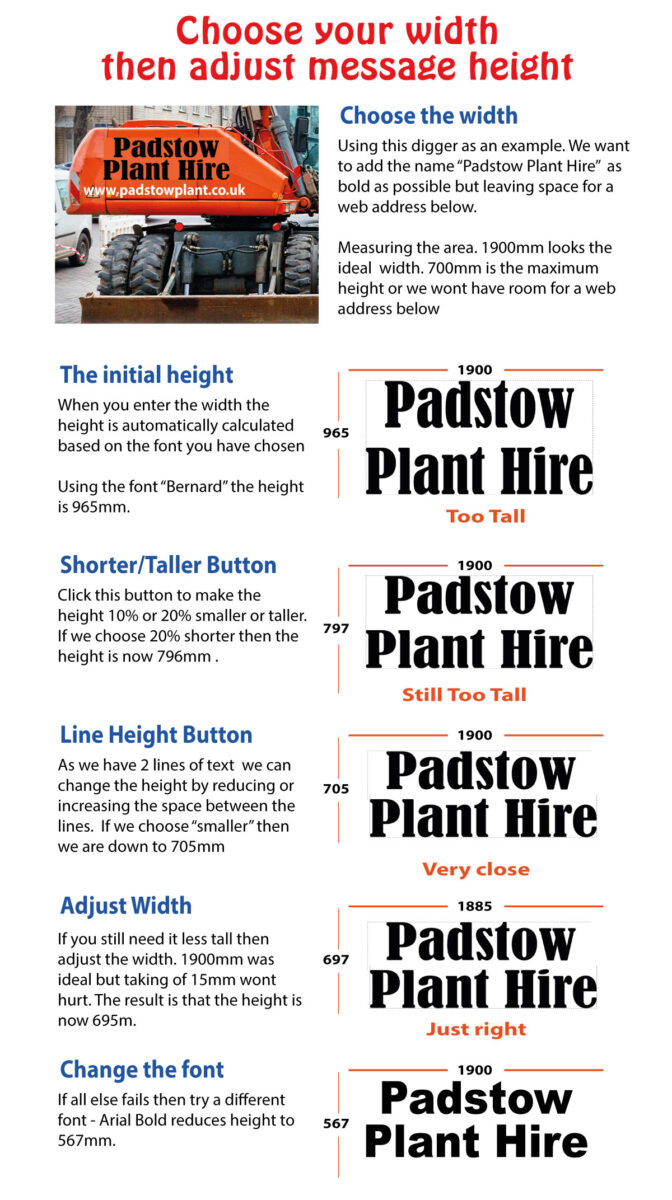
You have 5 templates to choose from - Click one to view on your van. Visualise how each template will look when you click & change to your information. Choose your favourite

The Videos in the section below show you how to select a design, change to your message, change colour, adjust the size, choose a different font & much more but, if you get stuck, click the chat button - we are pleased to help


Click & Change to your message

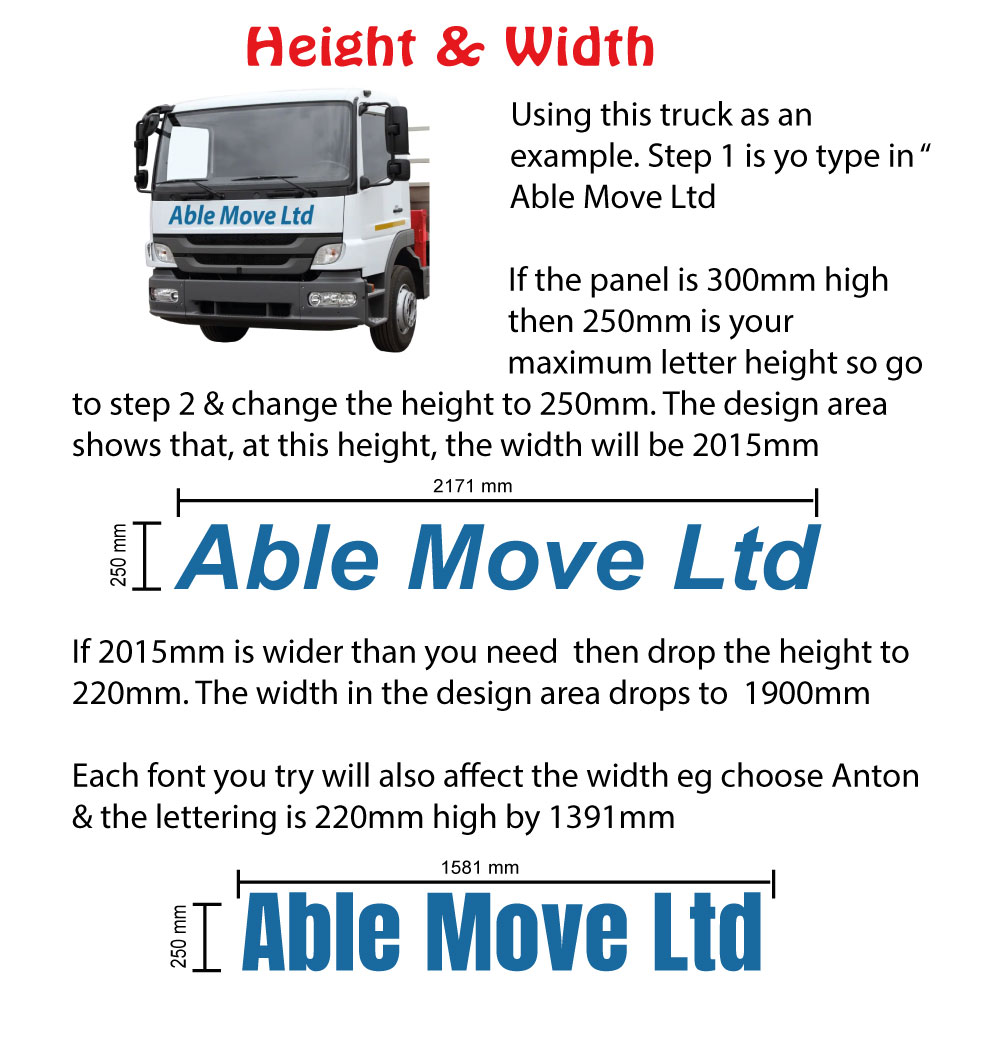
Change your Colours.            Change your font


Upload your own Logo or use one of ours

To upload your own logos (or Photos) click the "Your Images" tab in the design area on the left-hand side & upload your logo. Your images will pop up next to the "Your Images" button ready to use

To use one of our logos click the "Clipart" button & search for a logo or Picture.

If you cannot find what you want then click the chat button. Tell us what you are looking for & we will find something to match your needs.


Changing or adding your Logo to the Van Design

Click on the logo that you want to change. 4 handles pop up around the logo so you know it is selected then click on the replacement logo. It will automatically replace the original logo scaled to match the original size.


Save Your Design then experiment

First ideas are not always the best so now is the time to try different layouts, colours, fonts even different images but before you start save your current design so that you can come back to it if your experiments are not successful.  Save each interesting variation you create & choose the best later. Save by clicking the Red "SAVE" button. View your Saved designs by clicking the green " MY DESIGNS" button

We have also circled 2 other buttons that sometimes go unnoticed. The undo button & the add to basket button. The undo button is useful when you delete something unintentionally.

Save & use on the back of the van

Having created the side design to your satisfaction & saved it. You can now go to the back of the vanby clicking your type of back design (see A). Go to the Gree "My Designs" & click the design you want to download then click "Add" (see B). Your saved design will download onto the rear of the van. Adjust sizes t& positions to create your rear design (See C)


Our Magic Save Button

Our SAVE button has a unique feature - it saves only your design, not the product you designed it on. This means that you can choose a saved design and add it to any product. With just a few minutes of repositioning and resizing, you can create a new design for a different product.

Clicking Chat is a fast way to get help on any aspect of design. Our chat button is answered by a person not an AI robot. Questions like "Can't work out how to change colour", and "How do I upload my Logo" can be answered easily & quickly.

Questions like "I am not happy with my design. Any suggestions on how to improve it" need more in-depth action by us (see below) but the Chat button is a quick way to get more in-depth action organised

In the design area, we have a RED "Save" button. At any stage, you can save your design. The Design is saved in the GREEN "My Designs" area. Click the GREEN "My Designs" button to view all your saved designs & to ask us to tweak one of your designs. Our tweaked design is saved in the GREEN box for you to view.

When you are in our design area there is a hidden button that you can press this allows us to see our our design area on your computer. Unlike screen-sharing, we can only see our website. We can guide you step by step through any part of the process of creating a sign including how to use saved designs on your next project. Use the chat button to book a one-to-one training session.

We are pleased to offer this service but we would rather help you design yourself because we know what pleasure you will get when you see you own signage on display. We will enjoy designing your signs for you but we would rather support you in any way you need to enjoy designing then seeing your own signs in action.

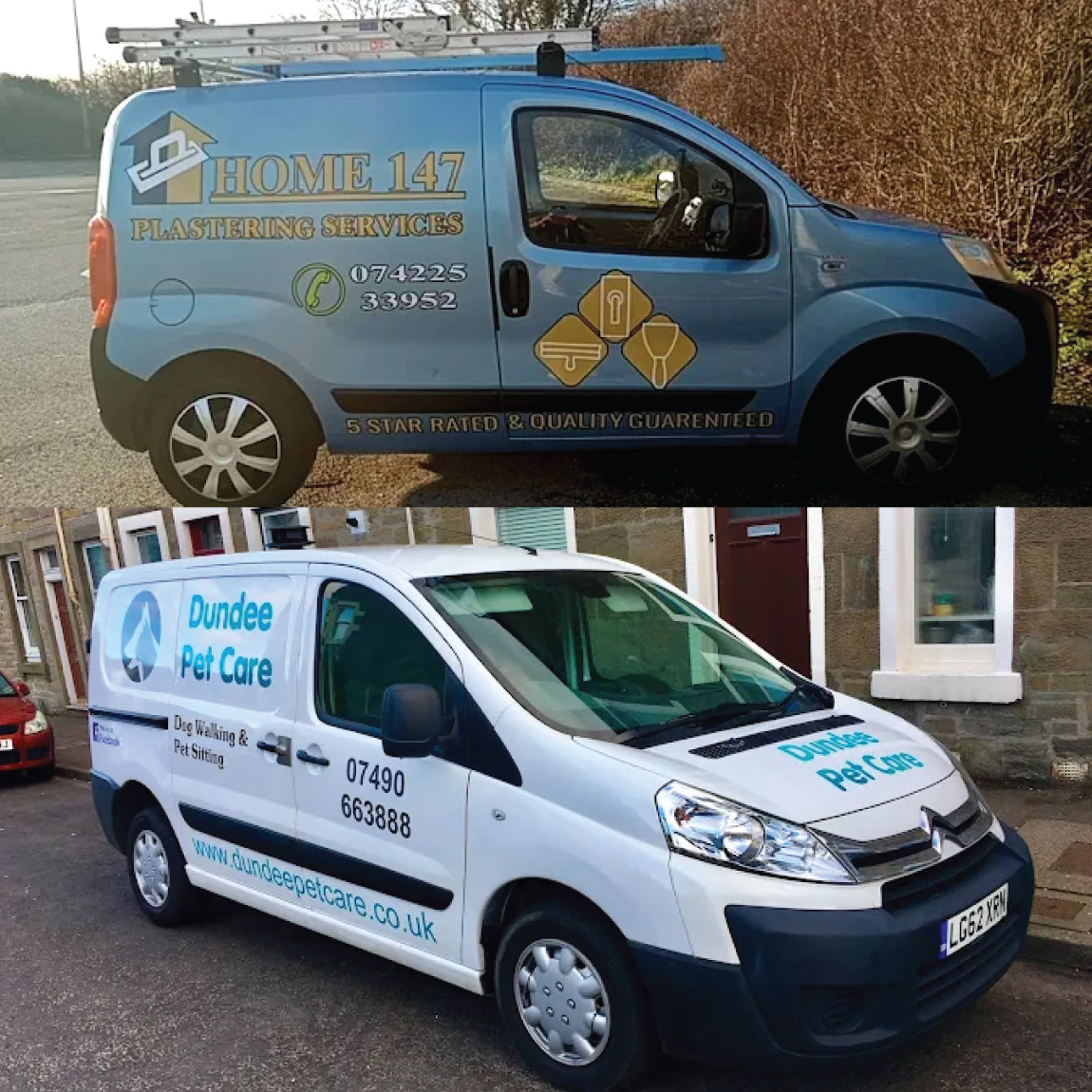
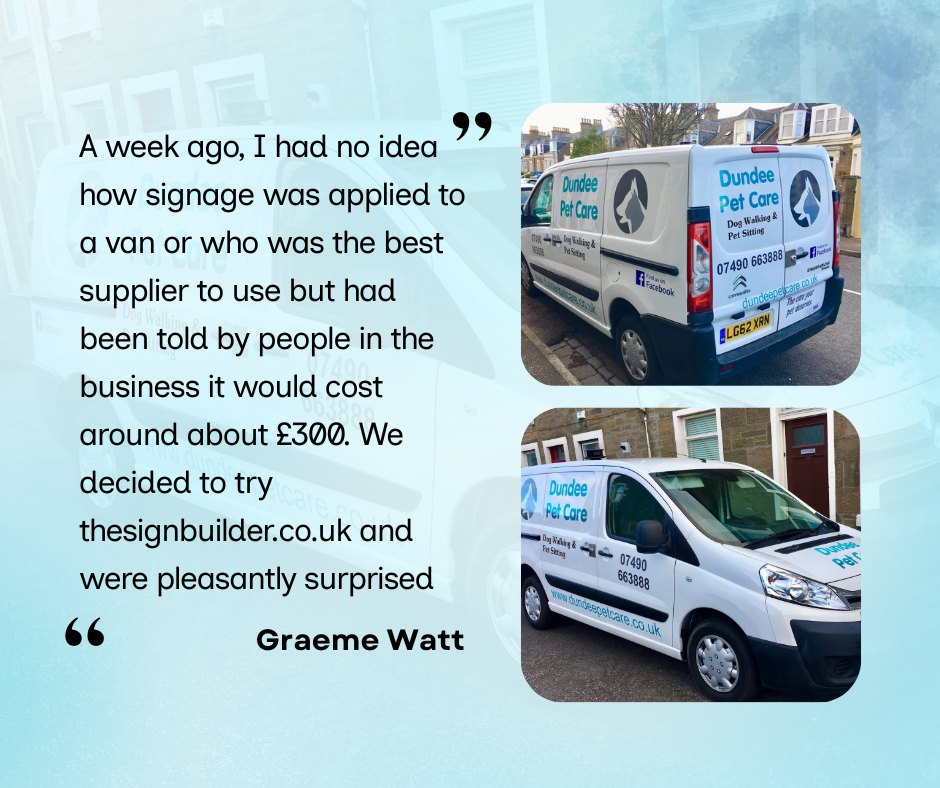
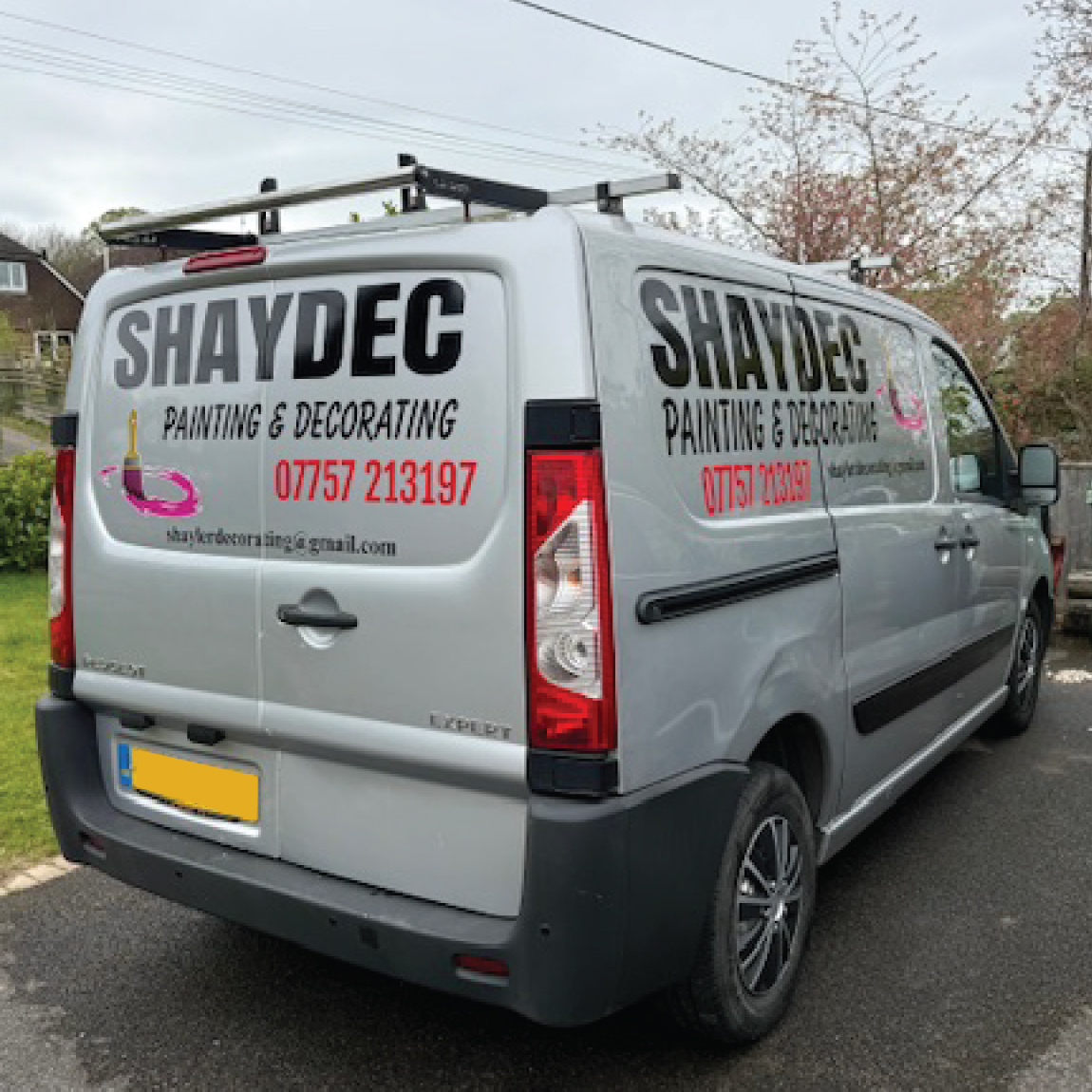
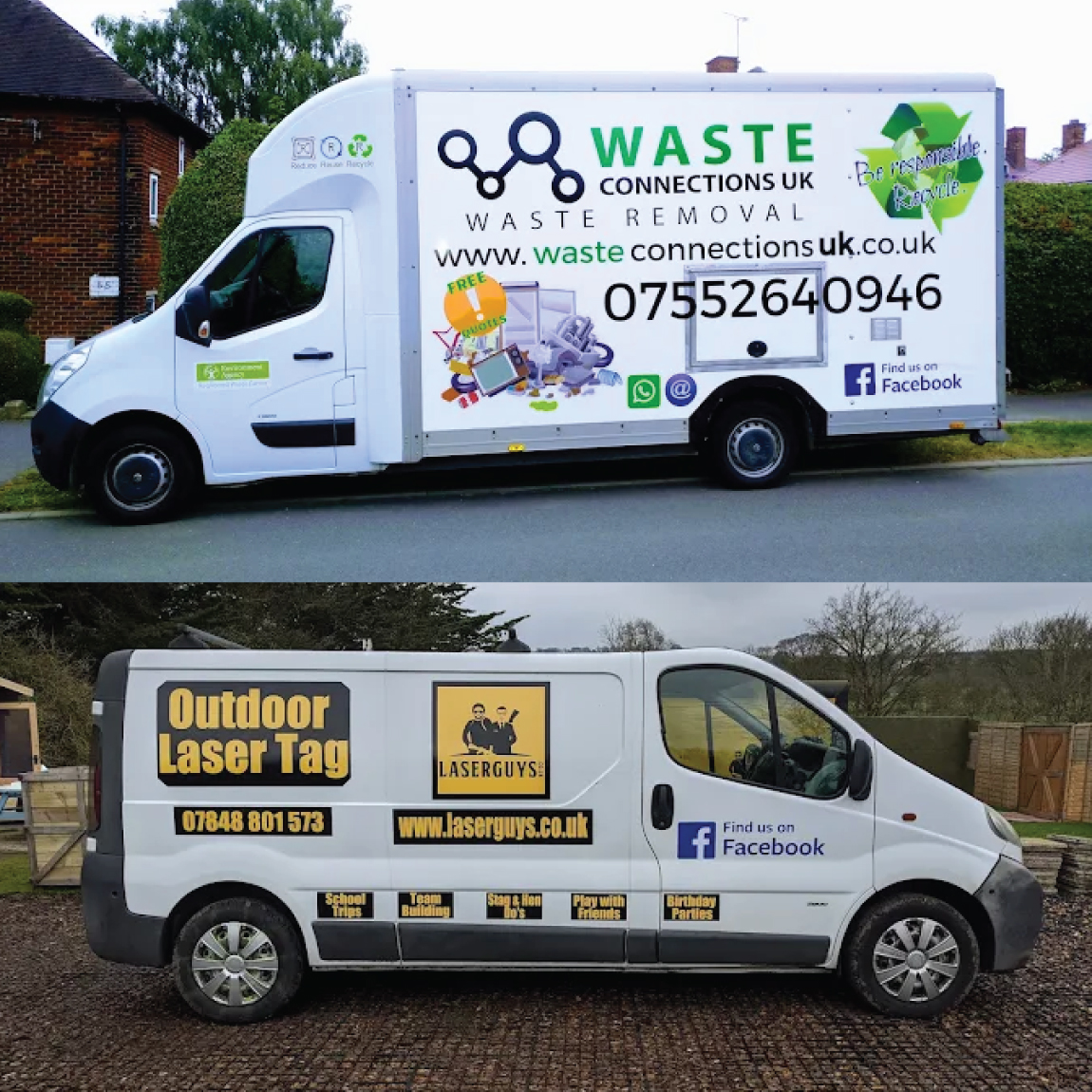
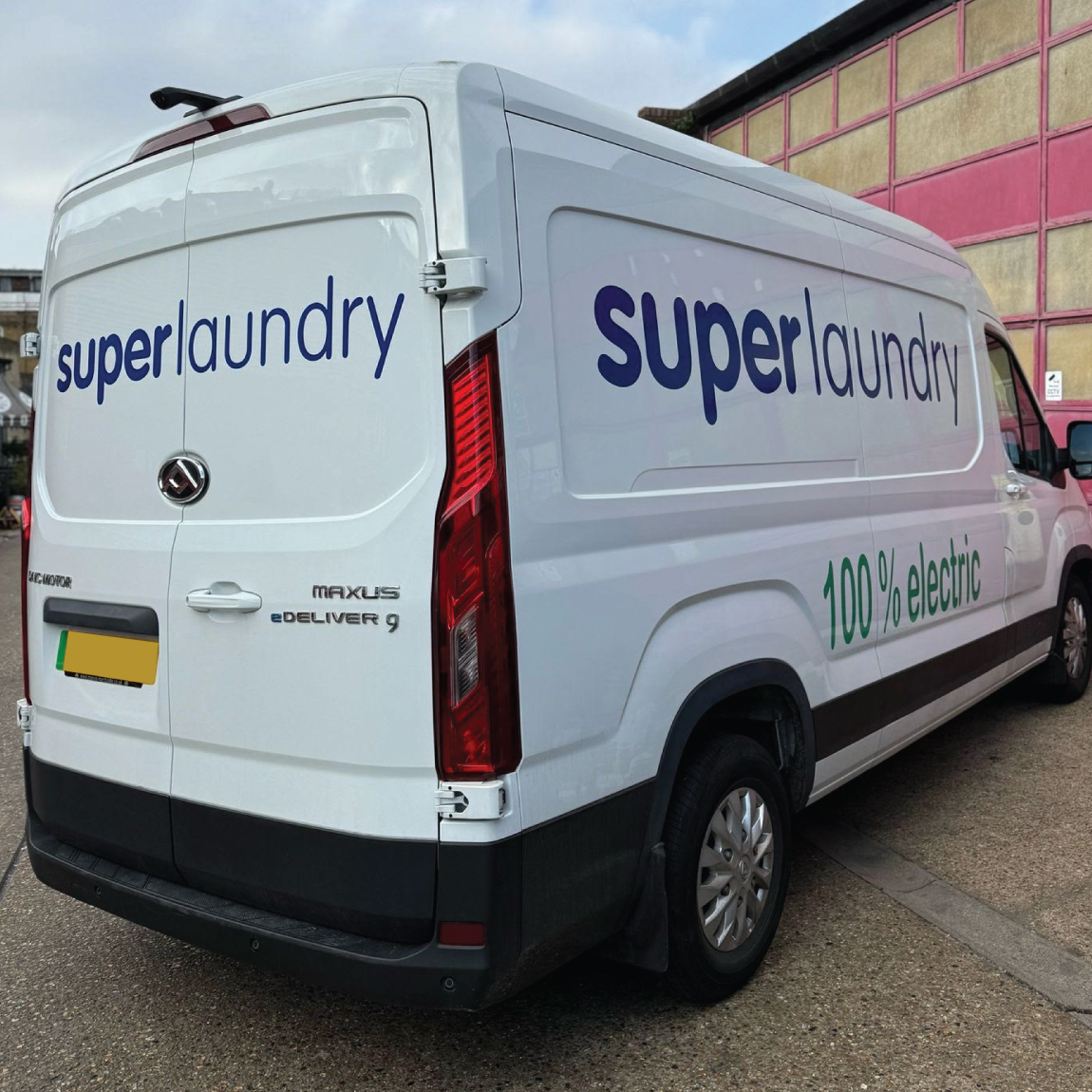
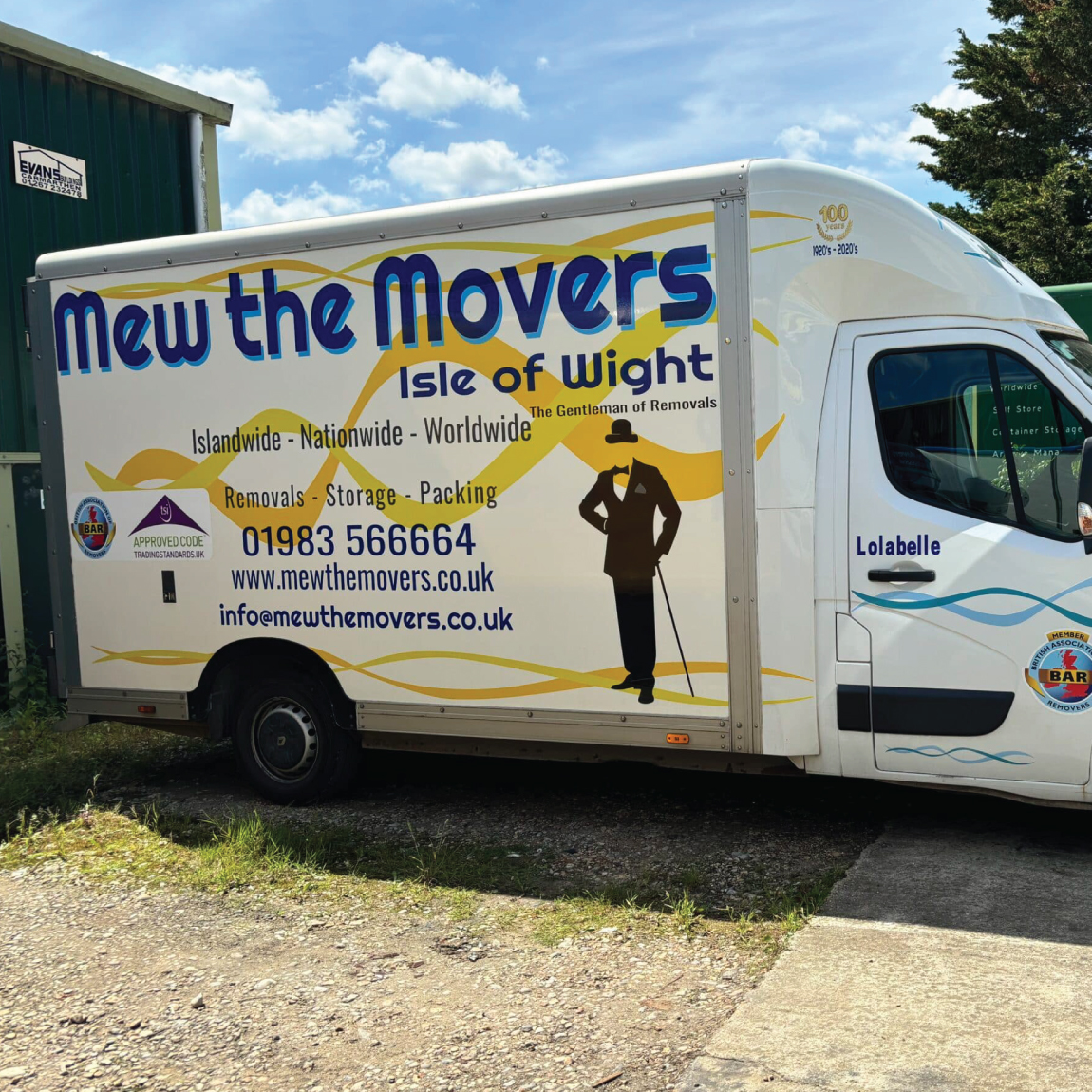
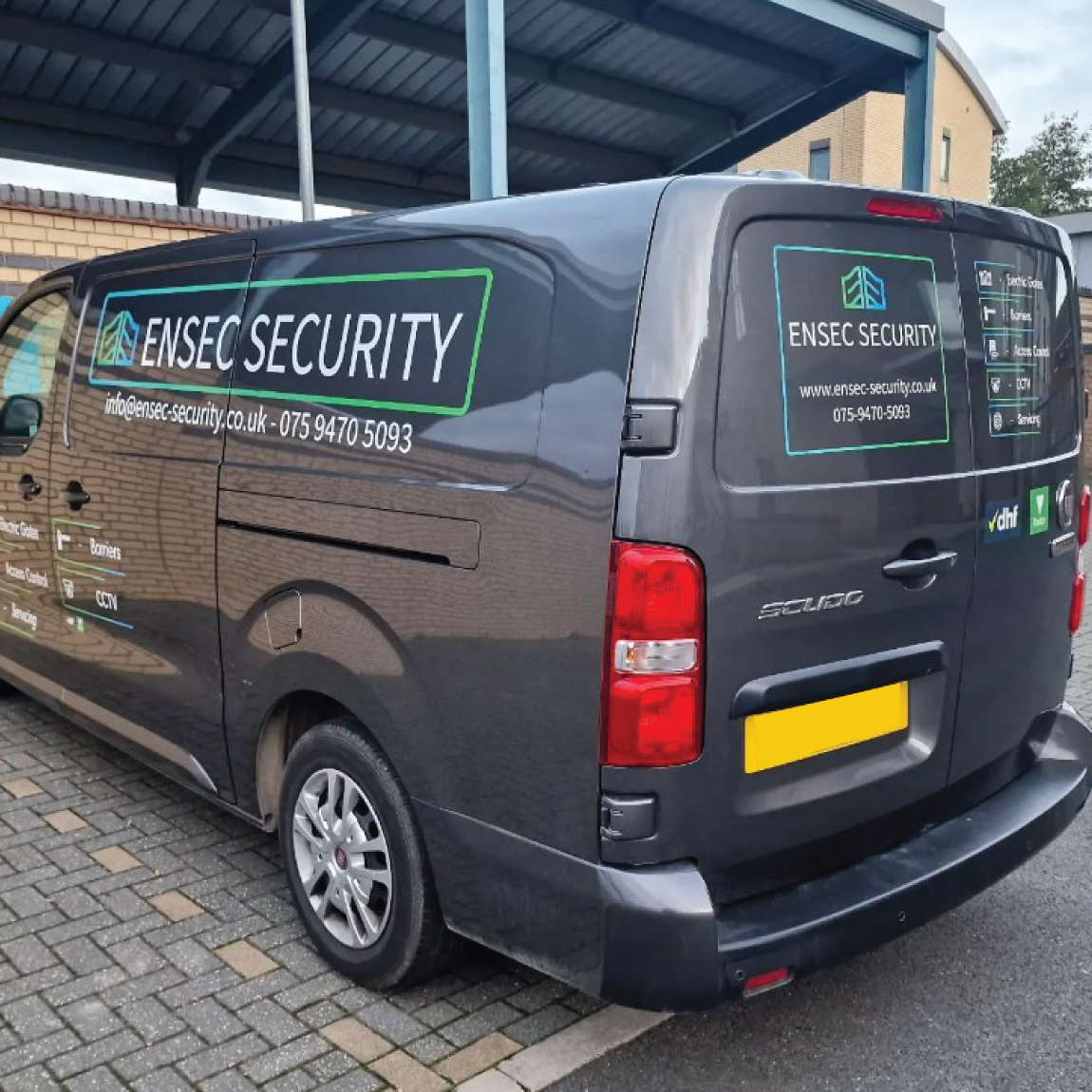
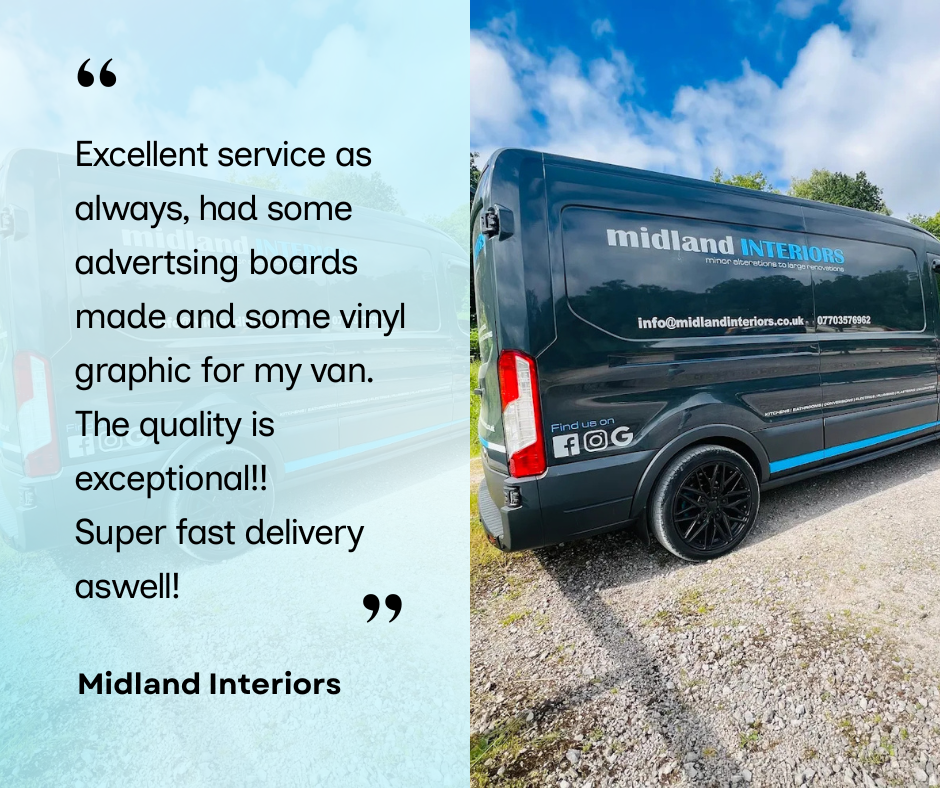
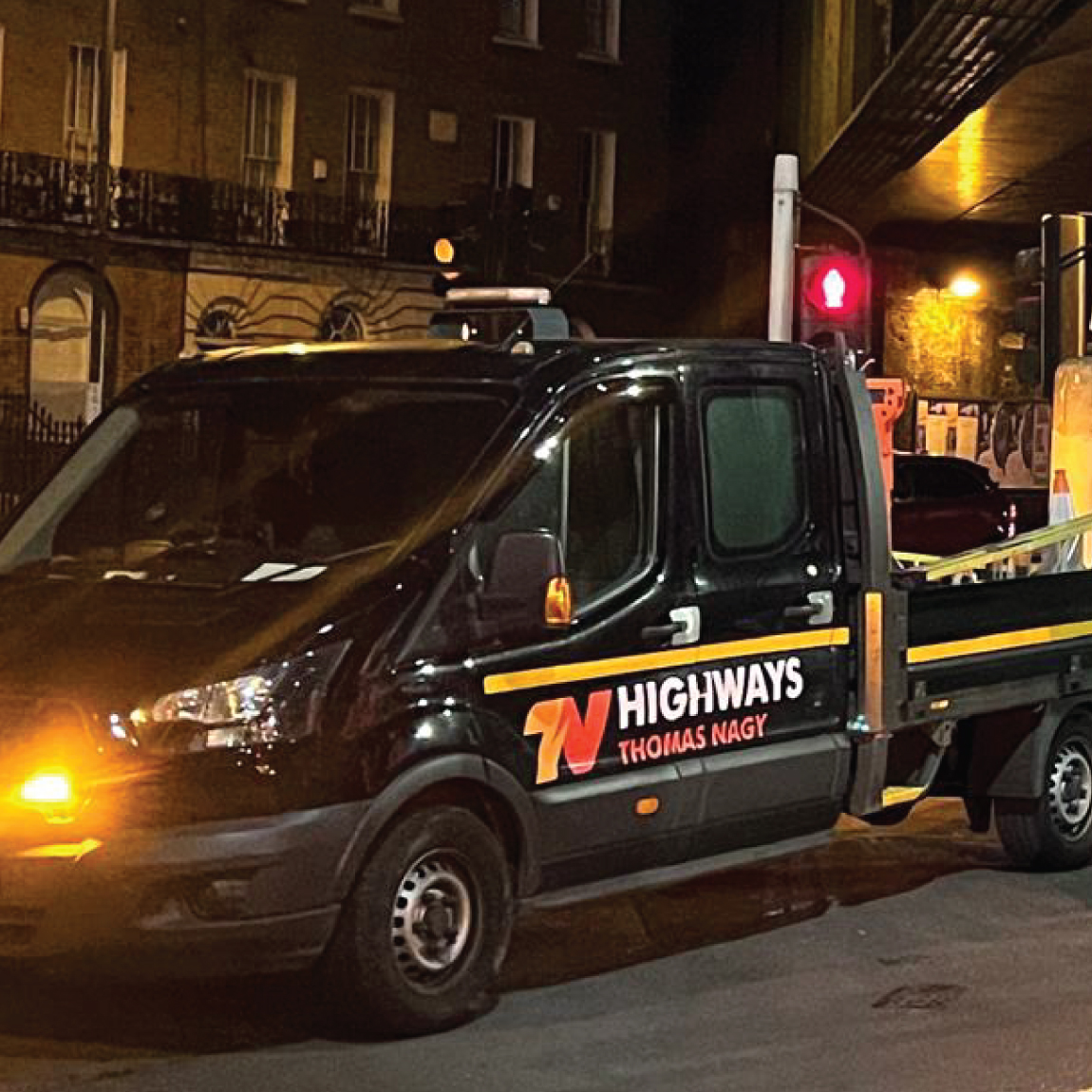
A good source for inspiration is our Customers Photo Review section. Here you will see what other customers have done. Take advantage of their tips & tricks. Note also that these signs each say what the customer wanted saying not what someone else said was a good idea. We hope, in the near future, it is your photos we are looking at with your tips & tricks helping another new customer have the confidence to give it a go

We have a "How to" video section that will answer most queries (Click here to View). You can also click the chat button - we are pleased to help.

Graphics for Maxus Deliver 9

Graphics for Isuzu D-Max

Citroën Berlingo Van Signage & Graphics

Graphics for Ford Transit 2014+

Looking for a different product?

Quickly find what you are looking for in the search box below